Every image tool you need — free, private, in your browser
All the image tools you need — 100% free, browser-based, and private. Compress, resize, crop, convert, edit and more. Your files never leave your device.
Compress Image
Compress JPG, PNG, SVG, GIF and WEBP files while saving space and maintaining quality.
Upscale Image
Enlarge your image to a higher resolution without losing quality.
Remove Background
Remove the background from your image automatically. 100% in your browser.
Resize Image
Resize JPG, PNG, SVG or GIF by defining new width and height pixels.
Crop Image
Crop JPG, PNG or GIF by defining a rectangle in pixels. Cut your image online.
Rotate Image
Rotate JPG, PNG or GIF online. Rotate image left 90°, 180°, 270° or any angle.
Flip Image
Flip JPG, PNG or GIF images horizontally or vertically in your browser.
Convert to JPG
Convert PNG, GIF, TIF, PSD, SVG, WEBP or RAW format images to JPG.
Convert from JPG
Convert JPG images to PNG, GIF, WEBP, or animated GIF format.
Convert to PNG
Convert JPG, WEBP, GIF, BMP, or SVG images to high-quality PNG format.
Image to PDF
Combine one or more images into a single PDF document. Drag to reorder pages.
HTML to Image
Convert HTML code or a webpage URL into a JPG or PNG image.
Photo Editor
Add text, shapes, stickers and effects to your photos with our free editor.
Watermark Image
Stamp an image or text over your image. Select the typography, transparency and position.
Blur Face
Blur faces and sensitive information in photos automatically or manually.
Work your way
Flexible, private image tools built to adapt seamlessly to your devices and daily routines.
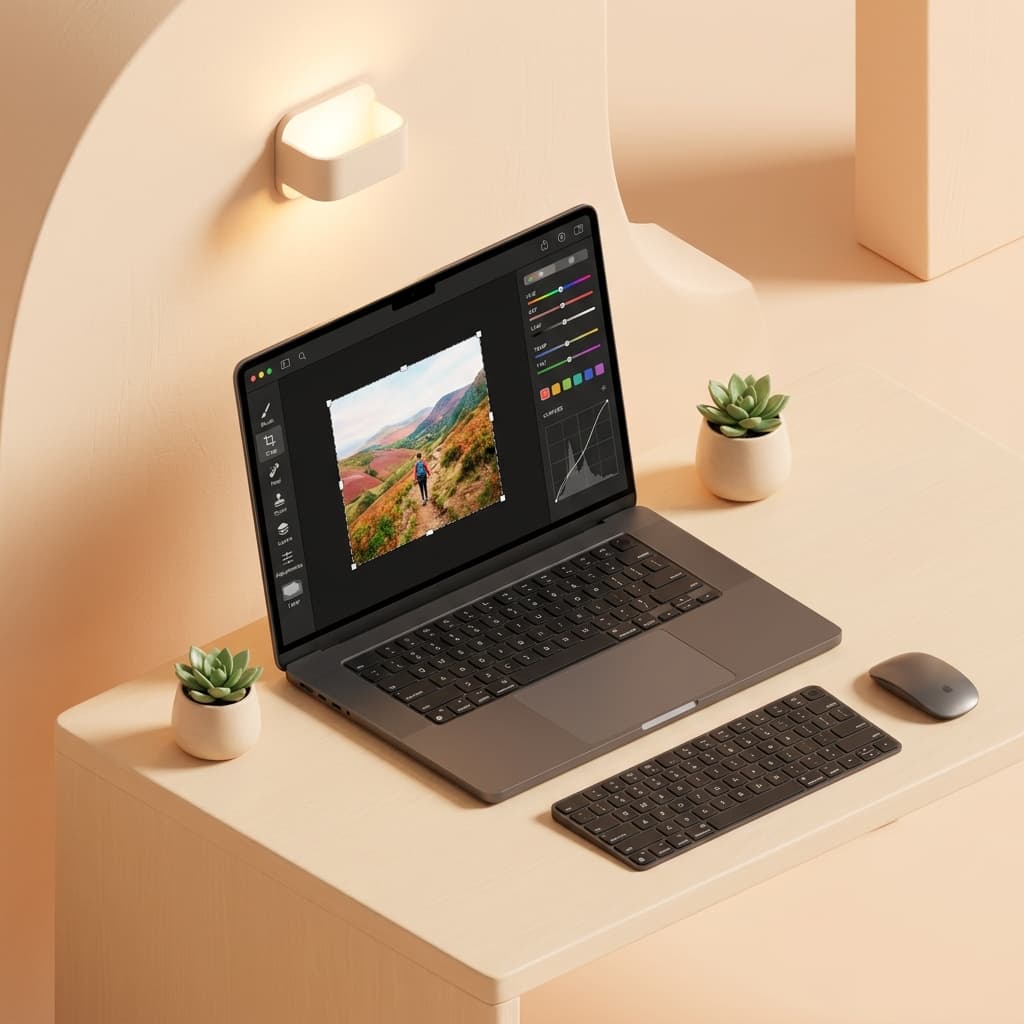
Work offline with Desktop
Batch process and transform high-resolution images in your desktop browser — fast, private, and with zero upload wait times.
- Hardware accelerated
- Works without internet
- No software install
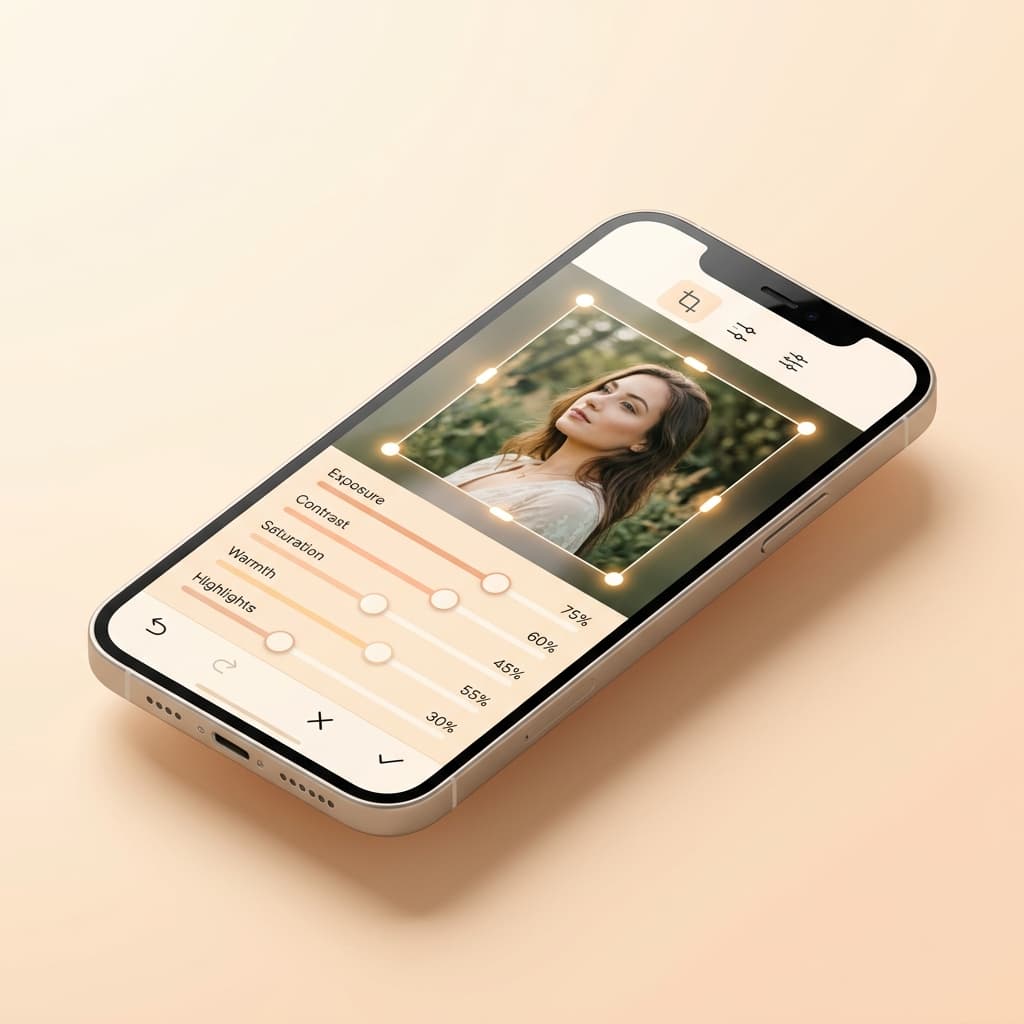
On-the-go with Mobile
Quickly crop, resize, and optimize photos directly from your smartphone or tablet camera roll with touch-first controls.
- Touch-optimized
- Direct camera roll edit
- Zero phone storage used
Built for creative workflows
Process multiple images simultaneously, apply uniform watermarks, and export cleanly as individual files or ZIP packages.
- Multi-image processing
- One-click ZIP bundle
- Unlimited free usage
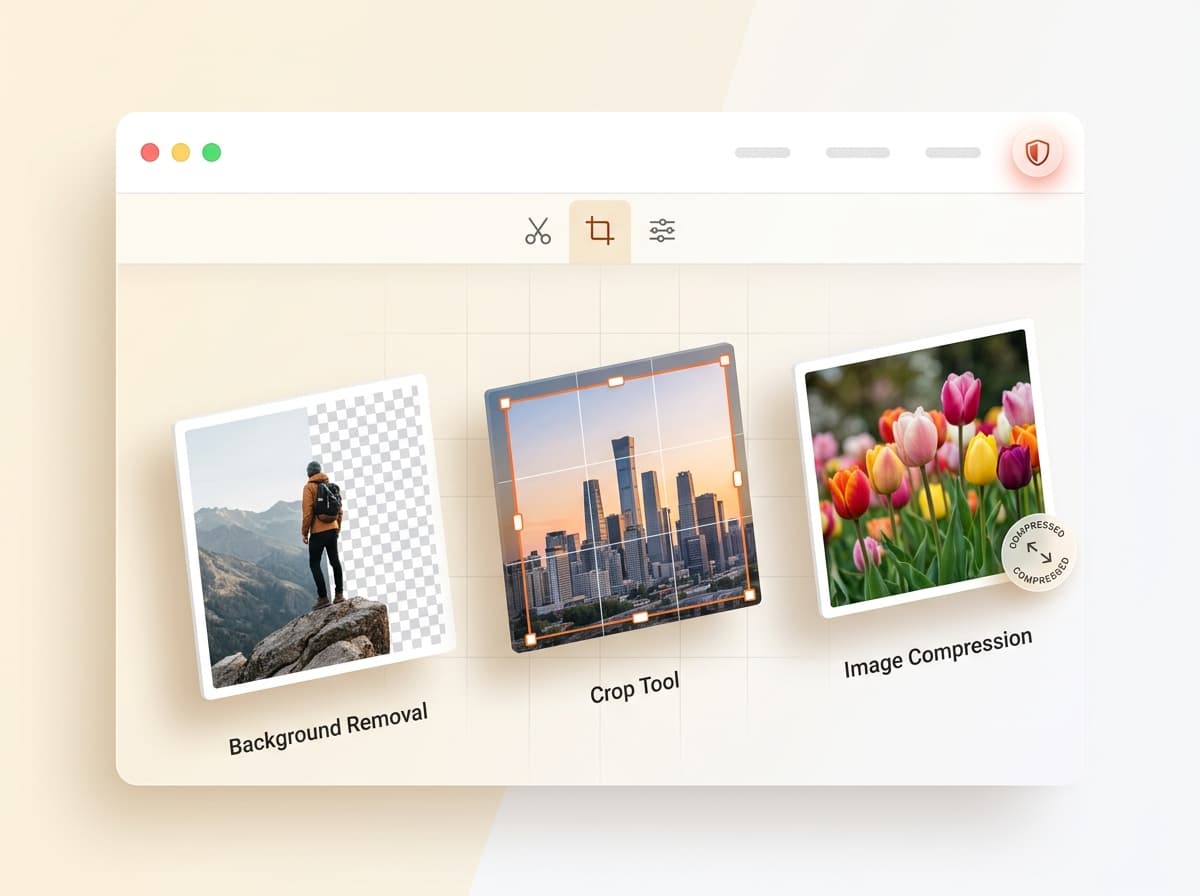
Image editing made simple with TeenyIMG
Experience the speed, simplicity, and security of tools that run in your browser. Compress, crop, convert, and transform images without uploading files to a server.
Explore all toolsThe image tool built for private, everyday work
TeenyIMG is your browser-based toolkit for editing and converting images with ease. Get the tools you need to work efficiently with digital images while keeping your files on your device.